Get Alias AutoStudio 2026 3 Years – Official License with Fast Delivery on screen
Alias AutoStudio 2026 Original price was: $4,000.00.Current price is: $190.00.
Back to products
Microsoft Visio 2021 Professional
Microsoft Visio 2021 Professional Original price was: $579.99.Current price is: $80.00.

Instant delivery 

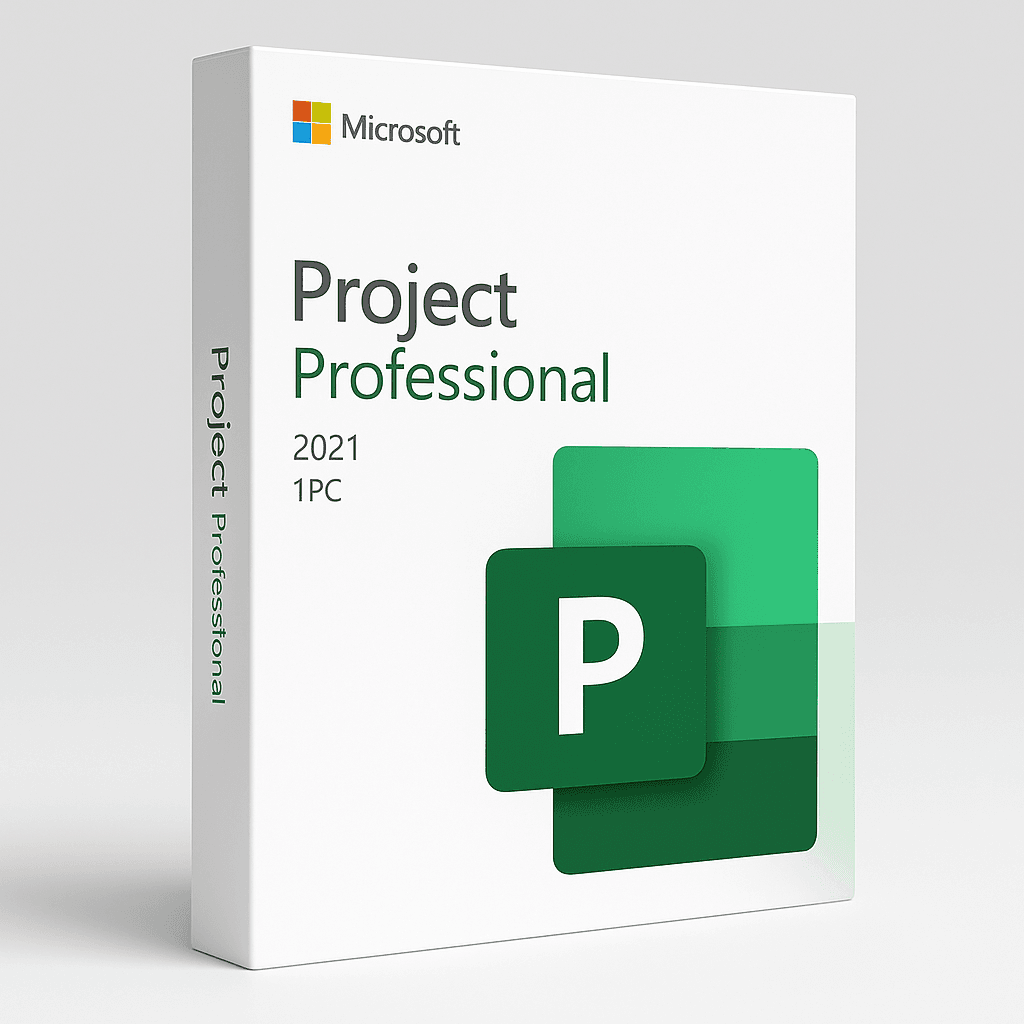
Microsoft Project 2021 Professional

Original price was: $679.00.Current price is: $97.00.

Delivery

  • Email

Get it in 1-2H! Instant delivery by email.

1-2 Hours

Free

  • Whatsapp Delivery

Instant delivery in 1-2H! Fast & easy via WhatsApp.

1-2 Hours

Free

  • Warranty 1 year
  • Free 30-Day returns

Description

Microsoft Project 2021 Professional is the ultimate solution for planning, executing, and monitoring complex projects with confidence. Built for project managers, engineers, and business professionals, this lifetime license gives you complete access to powerful tools for scheduling, task management, resource tracking, and team collaboration — without any subscription or renewal fees.


 What’s Included in Microsoft Project 2021 Professional?

  • 🔹 Lifetime License – One-time activation on 1 Windows PC

  • 🔹 Advanced Task Management – Gantt charts, dependencies, milestones, and timelines

  • 🔹 Resource Planning – Allocate resources, avoid overbooking, and balance workloads

  • 🔹 Team Collaboration – Integrates with Microsoft Teams and SharePoint

  • 🔹 Reporting & Dashboards – Built-in templates for visual progress tracking

  • 🔹 Seamless Integration – Works with Microsoft Office apps like Excel, Word, and Outlook

  • 🔹 Platform Support – Windows 10 and 11 (64-bit)


 Installation Guide – Step by Step

  1. Check Your Email:
    After your purchase, you’ll receive your official license key via email.

  2. Visit the Microsoft Setup Page:
    🔗 https://setup.office.com

  3. Sign in with Your Microsoft Account:
    Or create a new one to link your license key.

  4. Enter Your Product Key:
    Register your Microsoft Project 2021 Professional license.

  5. Download the Installer:
    Microsoft will generate the download link based on your system.

  6. Install the Software:
    Run the setup and follow the instructions to complete the installation.

  7. Activate:
    Open Project and sign in using the same Microsoft account to activate the software.


System Requirements

  • Operating System: Windows 10 or 11 (64-bit only)

  • Processor: 1.6 GHz or faster, dual-core

  • Memory: 4 GB RAM

  • Storage: 4 GB available space

  • Display: 1280 x 768 resolution or higher

  • Internet: Required for initial activation and updates


 Support & Guarantee

  • ✔ Full installation guide and remote support available

  • Activation guarantee – or your money back

  • Secure payment via PayPal and credit/debit card

  • ✔ Delivery within 1–7 hours by email


🔄 You Might Also Like:

  • 🔹 Microsoft Office 2024 – Word, Excel, PowerPoint & Outlook

  • 🔹 Microsoft Visio 2021 Professional – Flowcharts & diagramming

  • 🔹 Windows 11 Pro – Full version operating system


📚 Learn More:
Discover updates and usage tips on the Microsoft Office Blog

Microsoft Project 2021 Professional

Customer Reviews

0 reviews
0
0
0
0
0

There are no reviews yet.

Be the first to review “Microsoft Project 2021 Professional”

Your email address will not be published. Required fields are marked *